Introduction
The Conditions section allows you to create reusable conditions that can be applied to contracts, freight orders, and invoices. Conditions are grouped into three categories:
- General Conditions
- Special Conditions
This article explains how to create General Conditions and Special Conditions.
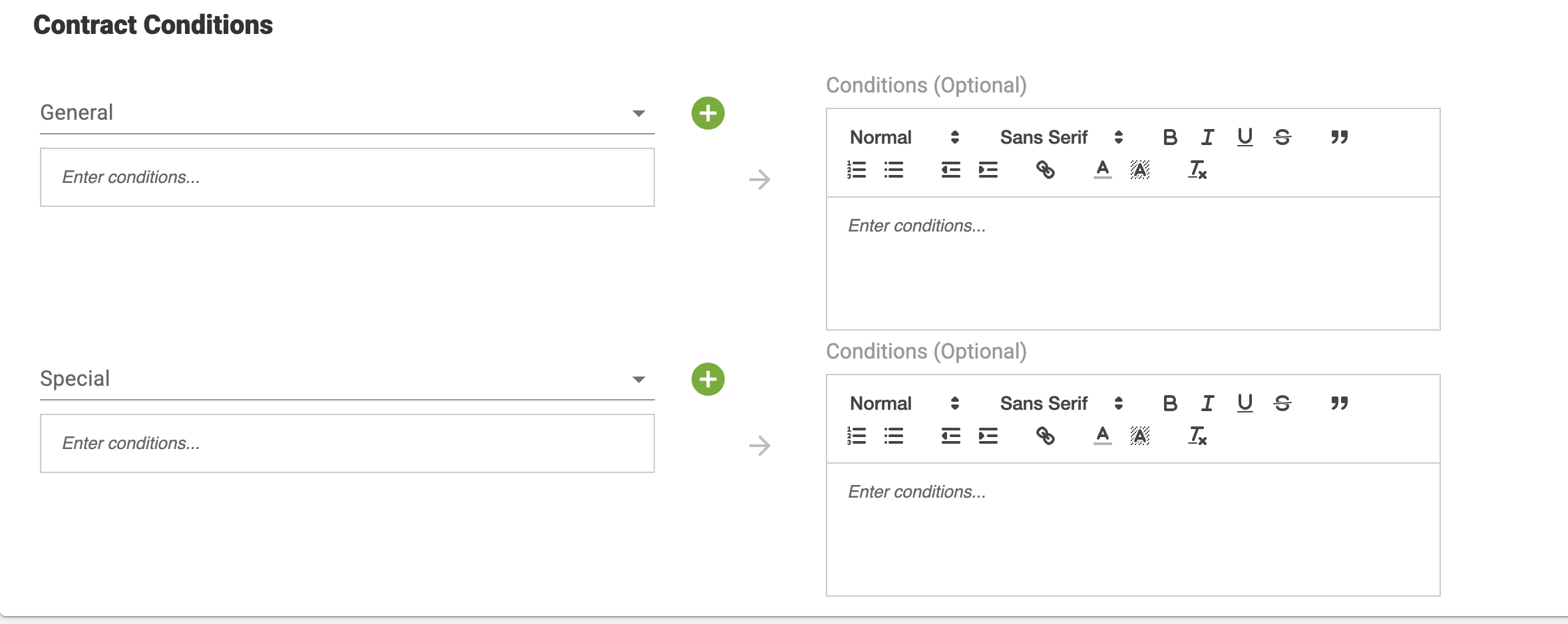
Notes: AgriChain does not automatically apply terms and conditions to contracts. Terms and conditions are entered manually by the user at the time the contract is created, and the user may enter any content that is appropriate for their business requirements.
Steps to Create a General Condition
- Navigate to Company.
- Open the Conditions tab.
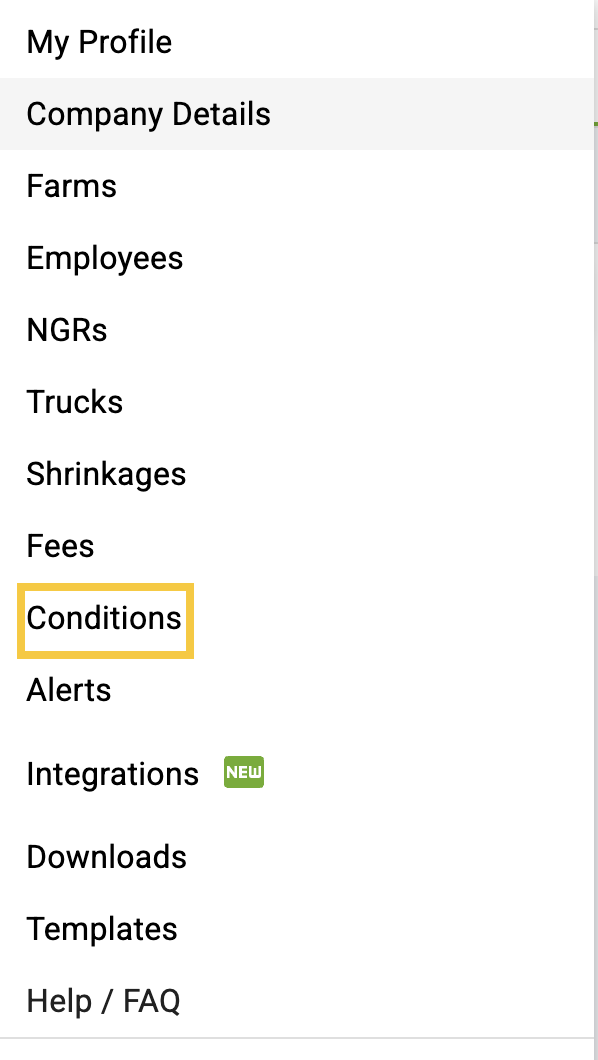
- Select the General Conditions sub-tab.
- Click + General Condition.
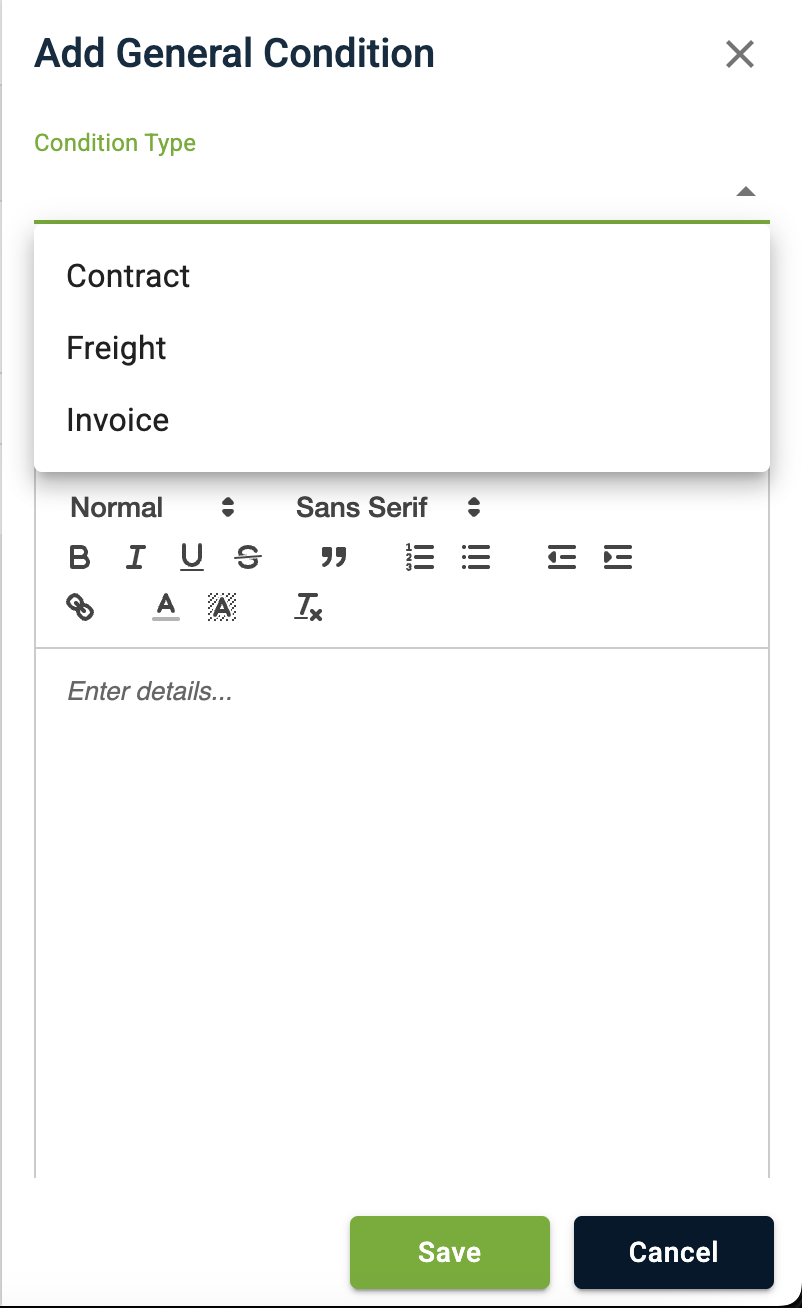
- In the Condition Type dropdown, select the required condition type:
- Contract
- Freight
- Invoice
- Enter the condition details using the rich text editor.
- You can apply formatting such as bold, italics, bullet points, hyperlinks, and more.
- Click Save.
The General Condition will be created and will be available for use based on the selected condition type.
Steps to Create a Special Condition
- Navigate to Company.
- Open the Conditions tab.
- Select the Special Conditions sub-tab.
- Click + Special Condition.
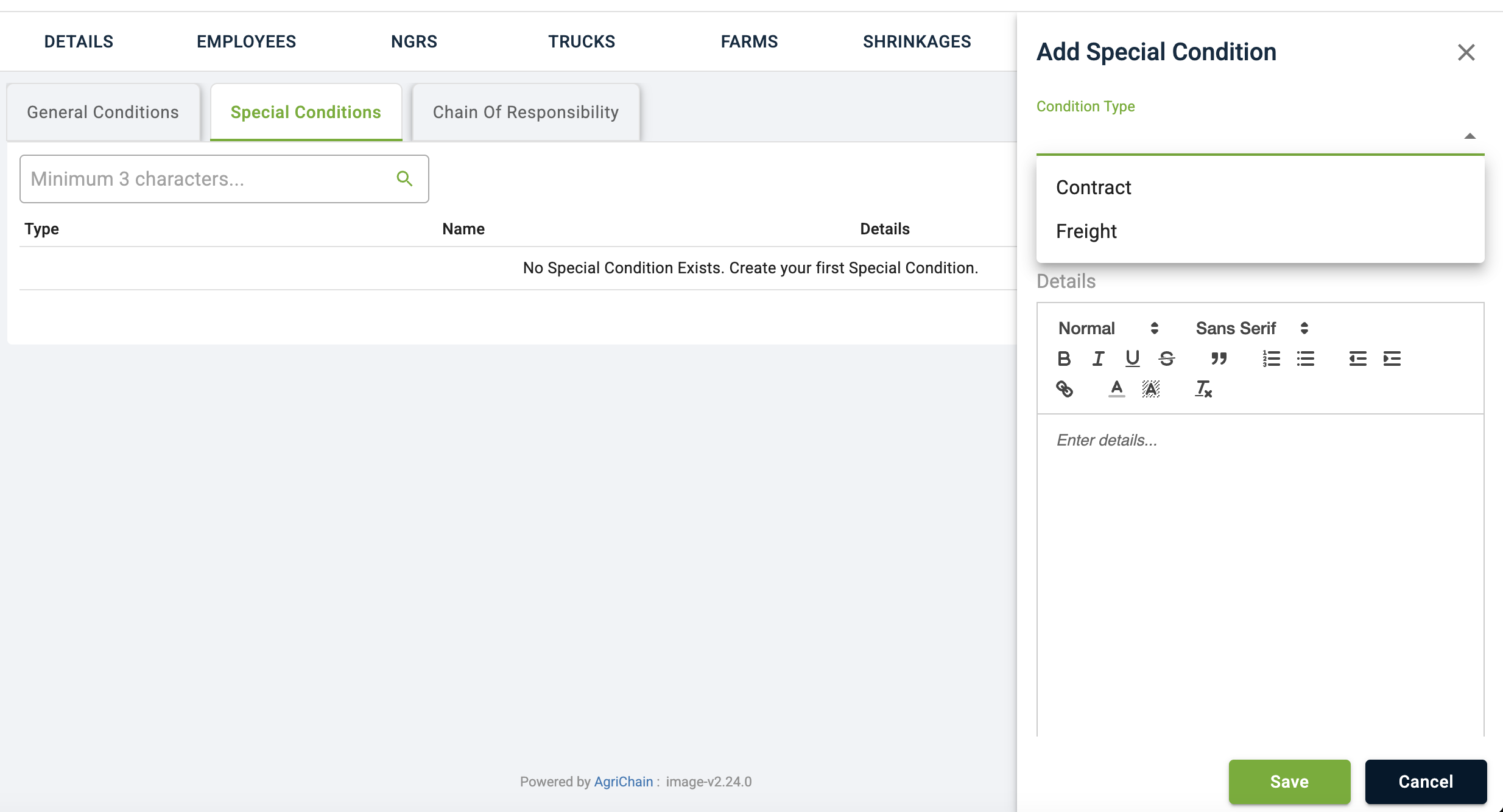
- In the Condition Typedropdown, select one of the available options:
- Contract
- Freight
- Enter the special condition details using the rich text editor.
- Click Save.
The Special Condition will be saved and can be selected when creating or managing the applicable transaction.
Condition Types
Condition Type | Available In |
|---|---|
Contract | Contracts |
Freight | Freight Orders |
Invoice | General Conditions only |
Note: The Invoice option is available only when creating General Conditions and is not available for Special Conditions.Was this article helpful?
That’s Great!
Thank you for your feedback
Sorry! We couldn't be helpful
Thank you for your feedback
Feedback sent
We appreciate your effort and will try to fix the article