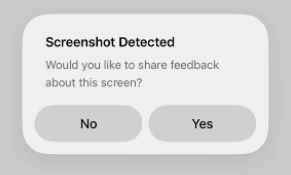
1. Please navigate to the relevant screen and take a screenshot. Once you do so, the app will display a pop-up message — please select “Yes” on the prompt to proceed.
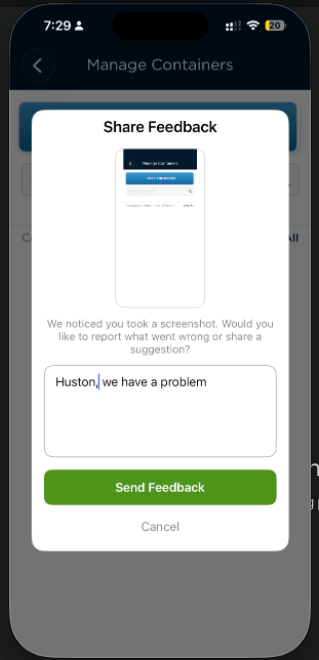
2. Once clicked on Yes, screenshot will be captured and you can share the exact problem in the comment box. You can click on Send Feedback.
Note:
Please ensure that the screenshot is captured directly from the user’s device.
This will allow our team to gather the necessary details and proceed with the investigation accordingly.
Was this article helpful?
That’s Great!
Thank you for your feedback
Sorry! We couldn't be helpful
Thank you for your feedback
Feedback sent
We appreciate your effort and will try to fix the article