Introduction
This article serves as a one-pager guide for growers to ensure that all information is easily accessible to our users during the busy period of harvest. Please see below for more information.
To ensure a smooth harvest, please make sure you’re using the latest version of our mobile app.
If any of your customers (broker, logistiscs provider, etc.) needs additional guidance, please share the link below with them:
Login and Sign Up Related
How to Reset Your Password on AgriChain
Setting Up Your Company
How to Set Up or Edit your Company Settings
Adding companies to the directory
Adding/Editing Trucks and Trailers
Managing Contracts
Steps to Create Contracts on AgriChain
Managing Orders
How to create Freight Order against a Contract
Managing Loads
How to Add Outload Against an Order/Movement
SMS to driver (Request delivery docket from driver using SMS)
Truck Driver: How to Outload from Field into an On-Farm Storage (Mobile)
Truck Driver: How to Outload from Field into an Off-Farm Storage (Mobile)
Managing Stocks
How to Add and Remove Stock (Inload and Outload)
Viewing and Managing Own Stocks
Cash Board
About Cash Board and Cash Prices
Site Booking
Site Booking: Introduction and Guide
How to Book a Slot Using Site Bookings (Mobile)
Invoicing
Generating Commodity Contract Invoices
Hardware (Printer and Weighbridge Dongle)
Printer Setup Guide: Switching Epson TM-T30III from Wi-Fi to Bluetooth
Printer Setup Guide: EPSON TP-80II-801
Comparison of Printers Supported by AgriChain
Weighbridge Dongle: Setup Guide and Troubleshooting
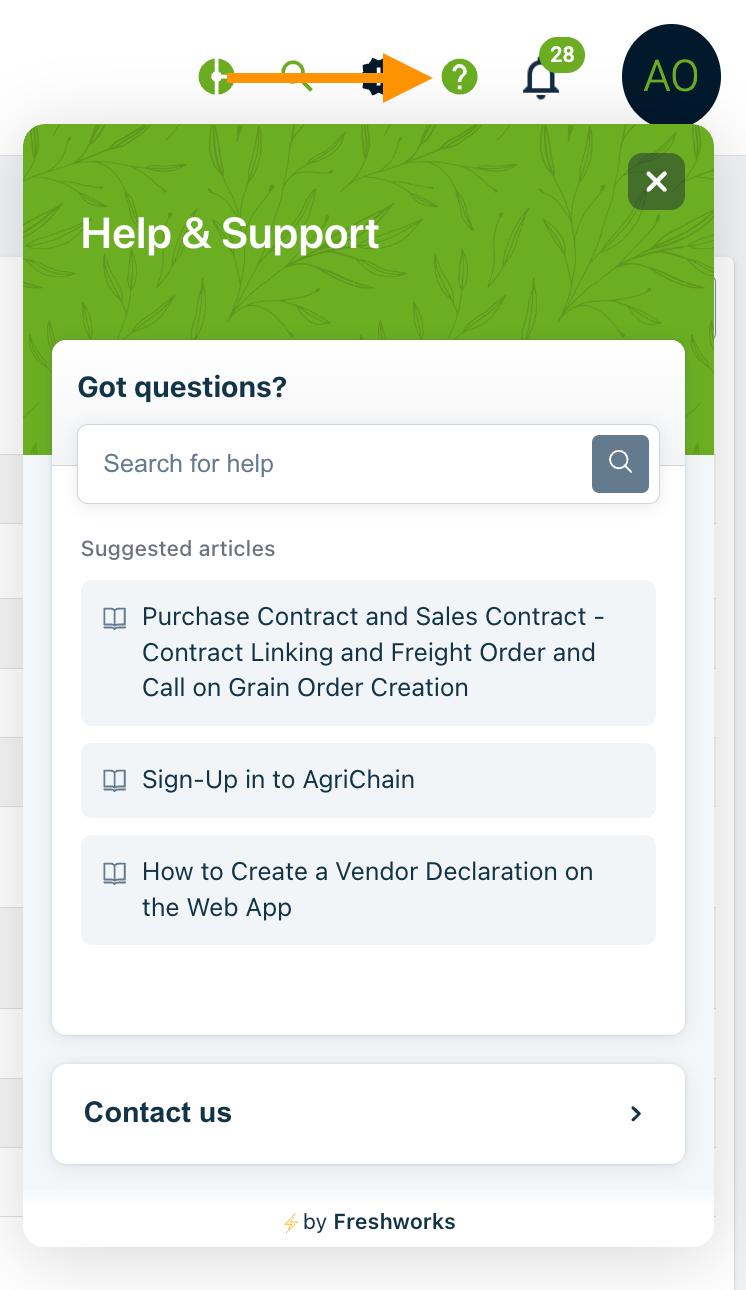
If you need additional help, please check out our full Knowledge Base articles by clicking on the Help '?' Widget. If you need further help, you may submit a ticket by clicking on 'Contact Us' and include any important reference number, such as contract number, order number, movement number, etc, so that our team can efficiently assist you.
Was this article helpful?
That’s Great!
Thank you for your feedback
Sorry! We couldn't be helpful
Thank you for your feedback
Feedback sent
We appreciate your effort and will try to fix the article